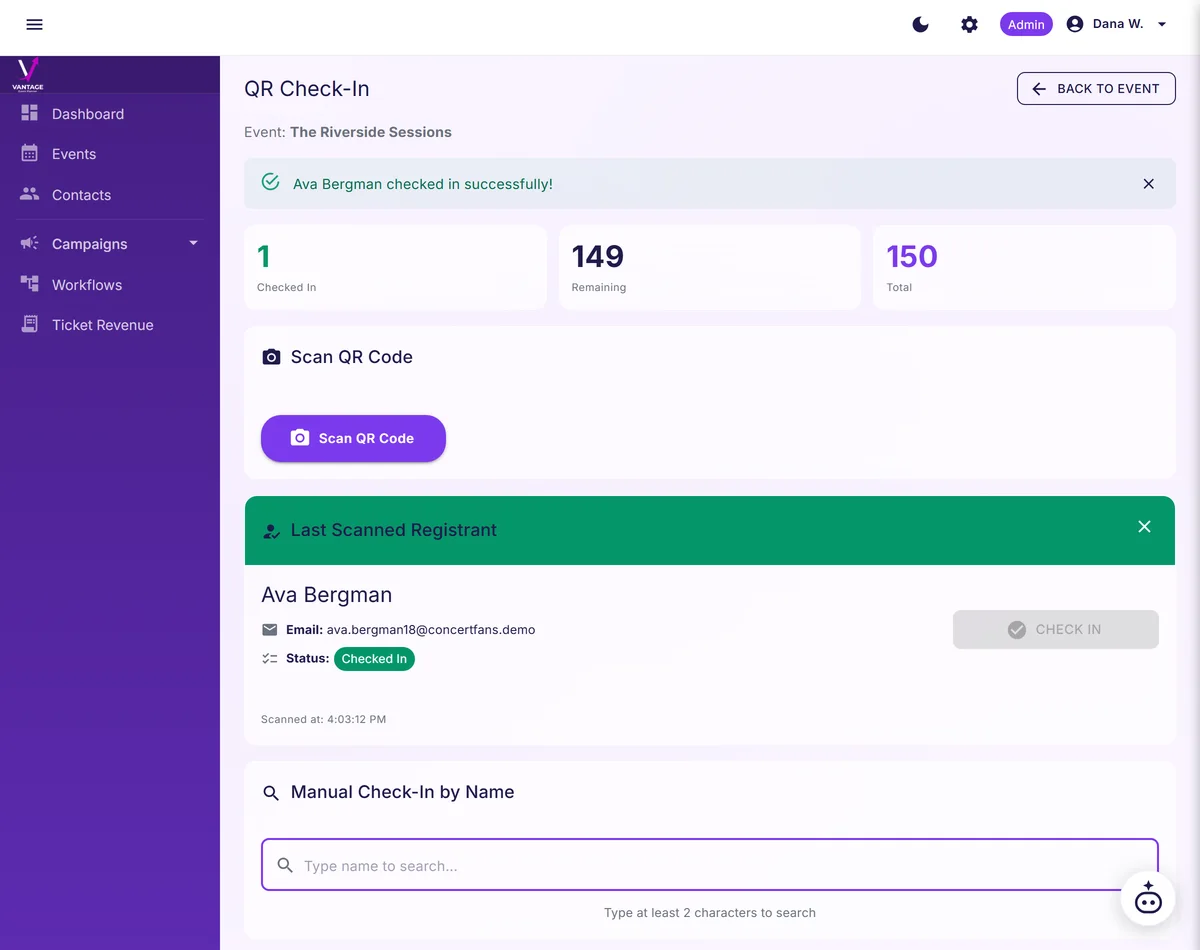
Guest contact details stay private from check-in staff.
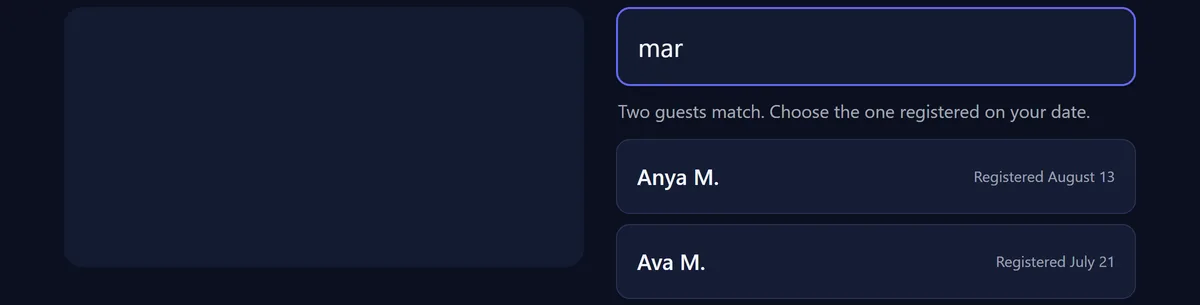
Your bartender, coordinator, or house manager cannot see phone numbers or email addresses. One screenshot does not expose your guests' contact details. The contact information stays with you and the people you have already trusted with it.
Let guests find their registration without sharing contact details.
Private event pages that Google does not index.
Your event page is reachable only by people who have the link. Search engines never see it. Private event pages include a noindex meta directive and are excluded from sitemaps, so search engines do not crawl them: unindexed pages, robots-blocked. Your guests cannot accidentally surface it by typing your foundation's name into Google, and your guest list does not surface to anyone Googling your foundation's name. Every plan including Free gives your event a Vantage address like app.vantageevents.app/e/your-brand/spring-gala, your branded slug. Your guest list is never published. Who is loading the unindexed link, and when.
Anomaly detection at the door.
Vantage flags an attempted check-in that is not on your RSVP list. Your staff sees a soft alert, not an accusation. You decide whether to verify, intercept, or wave through: two taps to verify or intercept, your call on every one. The evening stays invitation-only, with no scene at the door. Vantage flags anomalies in real-time check-in against the invitation list; verification, intercept, or admittance is at the host's discretion. A scan that is not on your RSVP list, a code for a different event, or one the reader cannot make sense of is recorded on the event instead of disappearing into the evening. The person at the door reads the screen and decides what to do, every time.
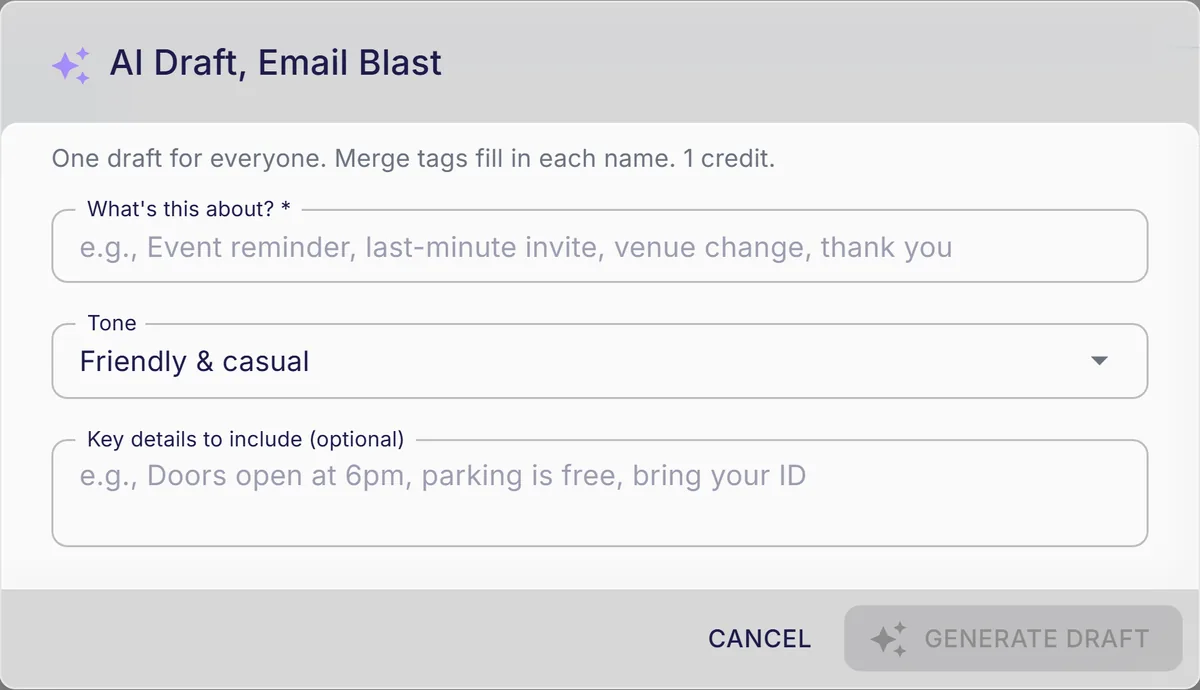
AI event planner drafts invitations, reminders, and thank-yous in your voice, with replies coming straight back to you.
Dynamic fields for guest name, dietary restriction, plus-one, arrival time. Beautiful RSVP forms with dietary, seating, and plus-one fields. AI drafts a personalized invitation per guest, in your voice, with the right name and dietary note pulled from past events. Invitations that read like you, sent in minutes. Set your reply address and a guest who answers reaches you rather than a platform inbox. Review on your phone, send before dinner.
Draft Monday's thank-you email in one pass, then review it.
Offline check-in for yachts, estates, and remote properties.
One link opens the guest list on any phone, and every scan is timestamped on the event record. Scans queue locally on the device. Sync when the device returns to wifi. Your evening at a vineyard at the end of a gravel road runs as smoothly as a city dinner. No "the wifi is out" excuse on the night-of.
Confirm each arrival quickly and keep the welcome line moving.
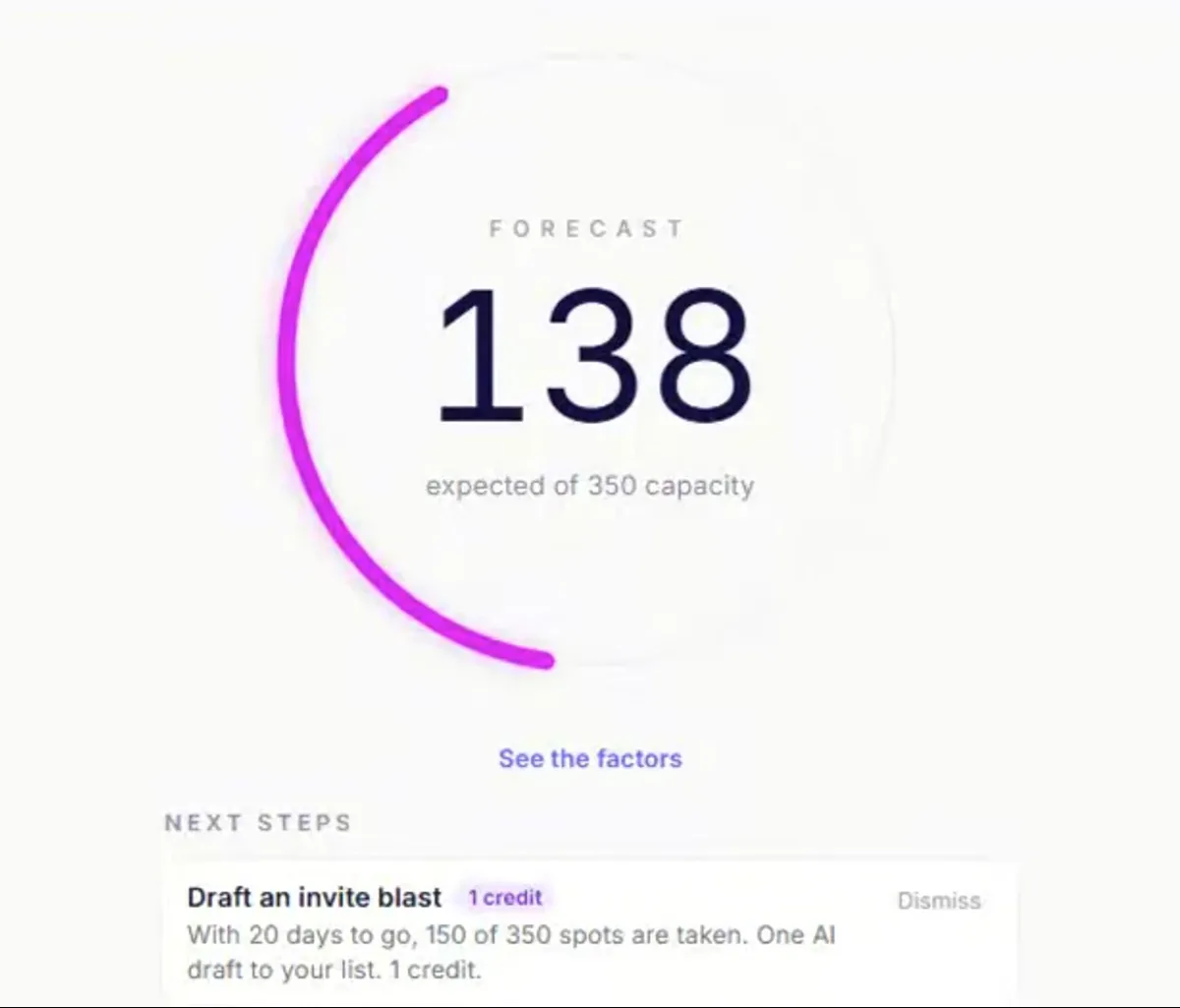
Forecast attendance within 3%
The attendance forecast estimates turnout within 3%a as it learns your events.
Know when to send the next invite and keep registrations moving.
Remove the Powered by Vantage watermark on Growth and above.
Free is the only tier with the Vantage watermark on public pages. The Powered by Vantage badge is required on event pages for Free and Growth, on by default but removable on Pro, and off from the start on Business. In campaign email footers, it appears on Free and Growth only, and is removed automatically on Pro and Business.
Discretion through the front door, every guest.
Captured once at the invite, honored at every event in the arc. Every plus-one accounted for, no surprises.
01 · Anomaly alert
An off-list arrival at the door, flagged softly.
When someone tries to check in who is not on the RSVP list, your staff sees a soft alert on the screen. Not a bouncer-style rejection. Two taps to verify or intercept, your call on every one.
02 · Plus-one verification
Every plus-one accounted for, no surprises.
When a guest RSVPs with a plus-one, the platform tracks the name and any dietary or accessibility note. Your caterer and your seating chart see the same record at the same time.
03 · Dietary persistence
The shellfish allergy you collected once, honored forever.
Captured at the first event, surfaced at every event after. The shellfish allergy from the engagement dinner shows up in the caterer's notes for the anniversary brunch eighteen months later. No re-collection. No awkward rediscovery at the table. The detail that matters is exactly where it should be when the caterer asks.
Founding cohort gets 12 months of next-tier features at their current tier's price, which on Growth means Pro features for $39. No fixed deadline. The cohort closes when 10 private-event hosts have signed on.
Before you ask, here's what other organizers asked.
Isn't this just Eventbrite for rich people?
Eventbrite is a public marketplace. Every event listed is discoverable. Every check-in volunteer sees full attendee contacts. Vantage is the inverse: pages are unindexed and nothing is listed publicly, contact info is masked from staff by default, email and phone are stripped from what staff can retrieve, and the platform's name does not appear on the invitation. Different category, different posture.
Can I trust your security with my guest list?
Data is encrypted at rest. Role-based access means only people you have explicitly granted full access can see contact information. Check-in staff cannot retrieve a guest's email address or phone number. Your data is exportable in CSV on Pro and above. No marketplace lock-in. No data-sharing with third-party advertisers.
Can I use my own domain?
The event page URL is a readable Vantage address like app.vantageevents.app/e/your-brand/spring-gala, on every plan including Free. Email is the other half. On Business, confirmations, tickets, reminders and campaigns can send from your own domain. On Free, Growth and Pro they send from Vantage, and replies go to the address you set, so a guest who hits reply reaches you rather than us.
What if I want zero platform branding on the invitation?
Free is the only tier with the Vantage watermark on public pages. The Powered by Vantage badge is required on event pages for Free and Growth, on by default but removable on Pro, and off from the start on Business. In campaign email footers, it appears on Free and Growth only, and is removed automatically on Pro and Business.
My personal assistant manages this. Can they use it without training?
Yes. The AI event planner does the heavy lift on copy and timing. Role-based access lets you grant your assistant exactly the permissions they need, no more.