Use casesWork meetings

Move your work meetings off Zoom and Google Meet

Guests join by link with a name and no account. Sixty minutes a session, up to 100 people, everyone can talk, and a YouTube stream when you want one.

$0 a month. No card.
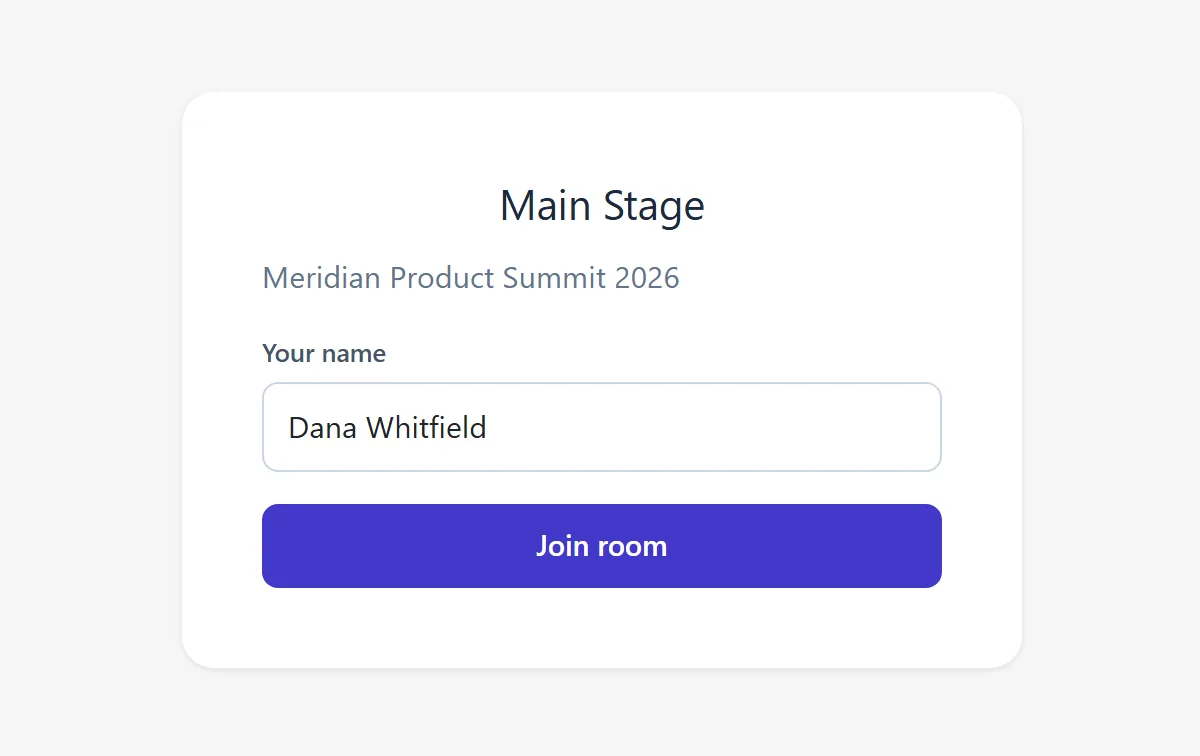
Room join screen for the Main Stage shows a name field and a Join room button.
Guests join by link with a name, without an account.
Vantage Rooms FreeZoom BasicGoogle Meet personal
Session length Up to 60 minutes 40 minutes1 60 minutes for 3 or more4
People in the room Up to 100 Up to 1002 Up to 1005
Time per month on the free plan 100 participant-hours, 100 people for 1 hour not stated not stated
Recording None from Vantage. YouTube can archive your stream7 Records to the computer3 Not offered on personal accounts6
Stream to YouTube Yes, live to YouTube No on Zoom Basic8 No on personal accounts9
Account to join None. Guests join by link. No account, but app download may come first10 No account, someone inside must let you in11
  1. "Almost all meetings scheduled and hosted by Basic (free) users, on Free and Paid accounts, are limited to 40 minutes." Zoom Support, https://support.zoom.com/hc/en/article?id=zm_kb&sysparm_article=KB0067966, checked 2026-09-11.
  2. "Host free 40-minute meetings for up to 100 participants" Zoom, https://www.zoom.com/en/products/virtual-meetings/features/free-video-conferencing/, checked 2026-09-11.
  3. "Yes, local recording is available with all Zoom Workplace plans, including the free (Basic) plan." Zoom, https://www.zoom.com/en/products/virtual-meetings/features/free-video-conferencing/, checked 2026-09-11.
  4. "Meetings with 3 or more participants for up to 60 minutes." under Personal Google accounts, Google Meet Help, https://support.google.com/meet/answer/7317473, checked 2026-09-11.
  5. "You can have a maximum of 100 participants in a meeting." Google Meet Help, https://support.google.com/meet/answer/7317473, checked 2026-09-11.
  6. Recording is listed for "Business Plus, Business Standard, Essentials, Education Plus, Enterprise Essentials, Enterprise Plus, Enterprise Standard, Enterprise Starter", Google One subscribers with 2 TB or more, and Workspace Individual; personal accounts are not on the list. Google Meet Help, https://support.google.com/meet/answer/9308681, checked 2026-09-11.
  7. "If your live stream is less than 12 hours, YouTube can automatically archive it for you." YouTube Help, Archive live streams, https://support.google.com/youtube/answer/6247592, checked 2026-09-11.
  8. Prerequisites "Pro, Business, Education, or Enterprise account" and "The host is Licensed". Zoom Support, Livestreaming meetings or webinars on YouTube, https://support.zoom.com/hc/en/article?id=zm_kb&sysparm_article=KB0062284, checked 2026-09-11.
  9. Live streaming is listed for "Business Continuity, Business Continuity Plus, Enterprise Essentials Plus, Enterprise Starter, Enterprise Plus, Enterprise Standard, Education Plus, and Teaching and Learning Upgrade"; personal accounts are not on the list. Google Meet Help, Live stream a video meeting for hosts, https://support.google.com/meet/answer/9308630, checked 2026-09-11.
  10. "You do not need a Zoom account to join meetings as a participant." and "Depending on the host's settings, you can join the meeting from your desktop or mobile browser without downloading Zoom first." Zoom Support, Joining a Zoom meeting without an account, https://support.zoom.com/hc/en/article?id=zm_kb&sysparm_article=KB0059553, checked 2026-09-11.
  11. "You can join a meeting without a Google Account, but the organizer or a participant needs to let you in." Google Meet Help, Join a meeting, https://support.google.com/meet/answer/9303069, checked 2026-09-11.

For a team that meets weekly, a class, or a board that also wants a public stream. Not for a team on calls all day, or one that needs the tool to record.

Before you ask, here's what other organizers asked.

Does it record?
Vantage does not record. If you stream to YouTube, YouTube can archive the stream on your channel under its own rules, unlisted unless you chose otherwise. Paste the video link on the event page and it shows there.
What happens when the month's time is used?
The room says "This event has used its meeting time for the month." Growth raises sessions to 3 hours.
Do guests need an account?
No. Guests join by link with a name, no account.
Free

$0 a month. No card.